If you accept Stripe payments from European customers, you have EU VAT obligations. This guide covers exactly what you need to do — from initial setup to quarterly OSS filing — without the legalese.
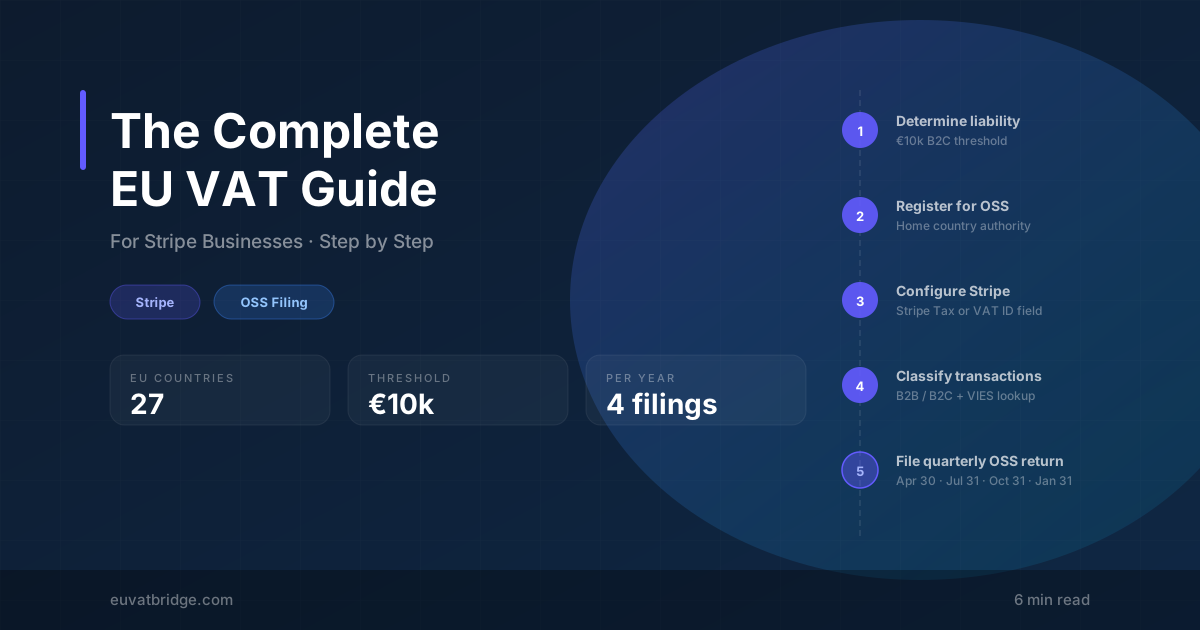
Step 1: Determine if you’re liable
You have EU VAT obligations if you sell digital services (SaaS, e-books, courses, APIs, streaming) to EU-based consumers and your EU cross-border B2C sales exceed €10,000/year in total across all EU countries.
Step 2: Register for OSS
Registration is free. Non-EU businesses should consider Ireland or the Netherlands for their English-language support and responsive portals.
Step 3: Configure Stripe to capture VAT data
Stripe alone doesn’t handle EU VAT compliance automatically. You have three options:
- Stripe Tax — Collects VAT IDs and applies correct rates automatically. Costs 0.5% per transaction.
- Custom checkout field — Add a VAT ID input, pass it to Stripe as customer metadata.
- Manual tagging — Update Stripe customer records with VAT IDs for known B2B customers.
Step 4: Classify every transaction
For each EU transaction, you need to determine three things:
- Customer’s country — billing address takes precedence for digital services.
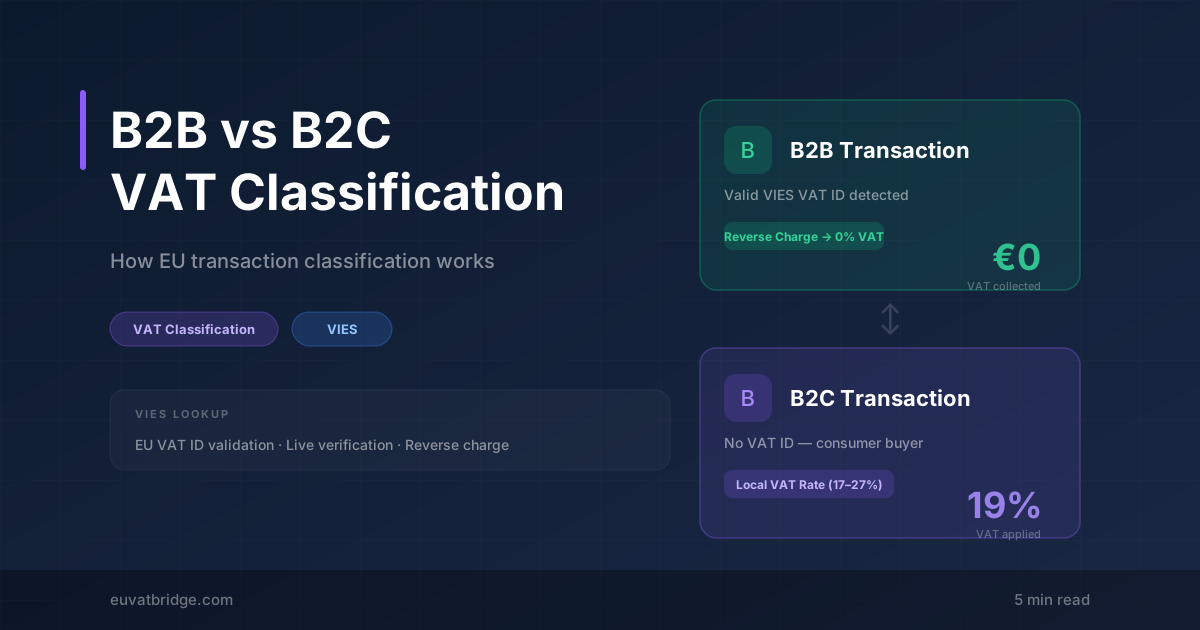
- B2B or B2C — does the customer have a valid VIES-verified VAT ID?
- VAT rate — country-specific for B2C; 0% reverse charge for verified B2B.
Step 5: Aggregate by country for your OSS return
For each EU country with B2C sales, you need to report total net revenue (excluding VAT), the VAT rate applied, and total VAT amount collected.
Step 6: File and pay
File through your registration country’s portal by the quarterly deadline. Payment is made in a single transfer — the authority distributes it to each member state.
Step 7: Keep records for 10 years
Common mistakes to avoid
The automation shortcut
Key takeaway
Steps 4 and 5 are where automation pays for itself. vidaReady connects to Stripe with a read-only API key, classifies every EU transaction with live VIES validation, and generates an OSS-ready CSV by country — in minutes.